
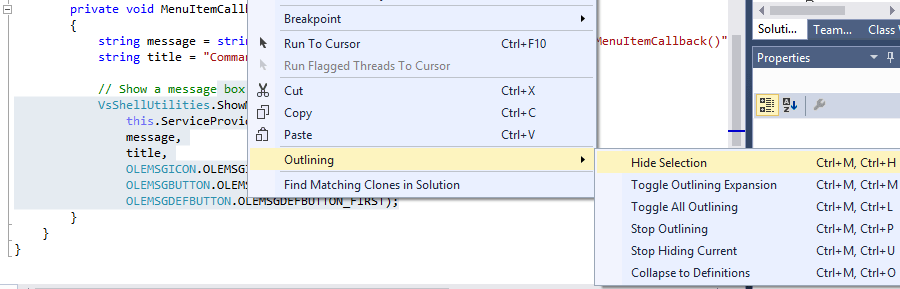
You can easily hide any block of code in Visual Studio using the Hide Selection command. Invoke it from the main Edit – Outlining menu, Outlining context menu or with a shortcut to the Edit.HideSelection command:
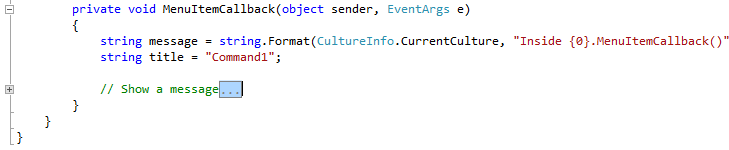
Selected code will be collapsed under a plus sign (you can leave a part of the top line unselected to describe hidden content):
To remove this custom region, use the Stop Hiding Current command from the same menu.

 Making Visual Studio perfect