
Visual Commander is a freemium extension allowing you to automate repetitive tasks in Visual Studio and SSMS.
You can install Visual Commander in SQL Server Management Studio 21 Preview unzipping the latest Visual Commander installer to the SSMS IDE extensions directory “C:\Program Files\Microsoft SQL Server Management Studio 21\Preview\Common7\IDE\Extensions”
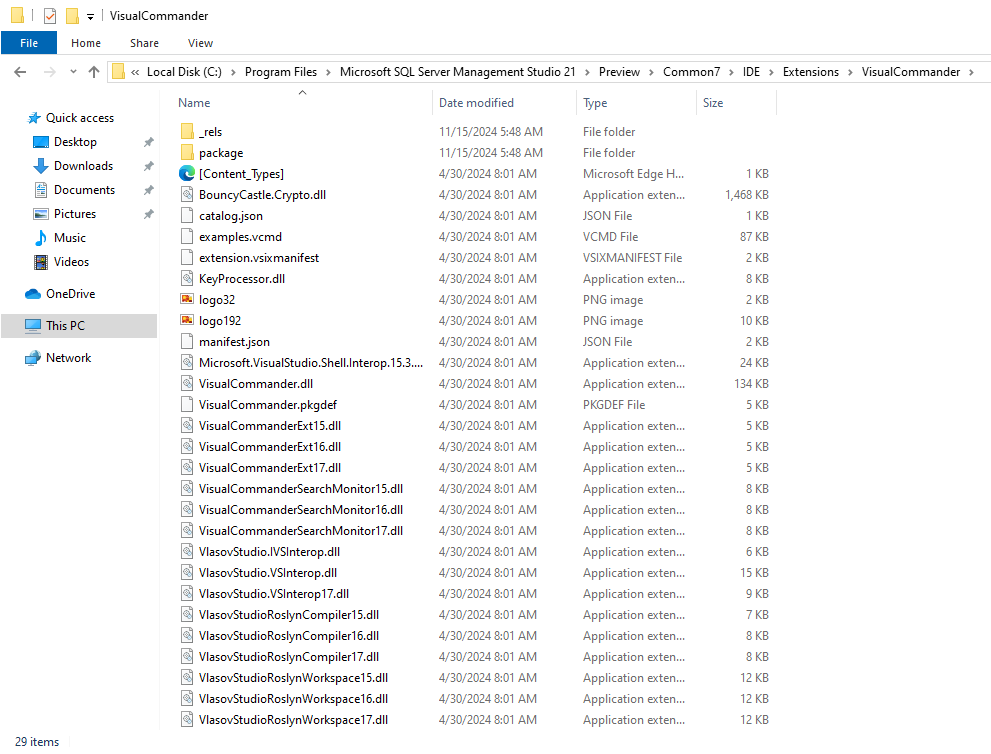
Then in the main SSMS menu Extensions – Customize Menu… uncheck the VCmd entry:

Click Save and Restart.
Visual Commander is now ready to use:


 Making Visual Studio perfect